
Jewellery software
Finished pieces, and the stones and makers behind them.
What does Avirat’s jewellery software do?
Avirat’s jewellery software records each finished piece with its metal, purity, gross and net weight, labour and the diamonds or gemstones set in it; issues stones to karigars (makers) and receives the finished jewellery back with the stones set; and runs repairs and customer orders from intake to delivery — alongside the same sales, memo, accounts and reports.
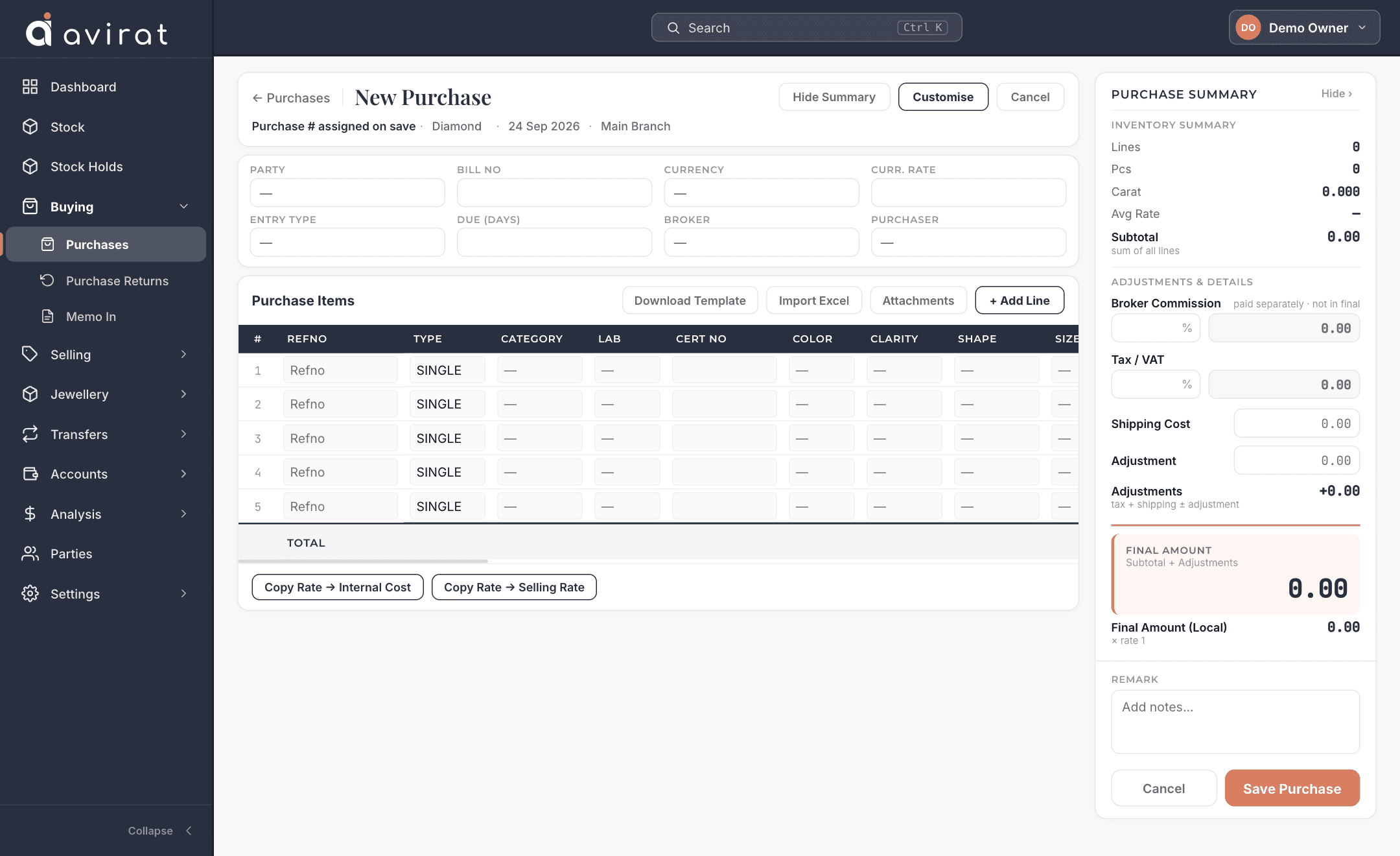
What you get for jewellery
Jewellery with its stones
Record each piece with metal, purity, weight and labour — and the diamonds or gemstones set in it.
Jewellery making
Issue stones to a karigar, receive the finished jewellery back with the stones set, see what each maker holds, and book the making charge.
Repairing
Take in a repair, track its status and due date, deliver and bill it.
Customer orders
Take an order, issue the stones for it, and follow it through to delivery.
Trace both ways
From a piece to the stones inside it, or from a stone to the piece it ended up in.
Details recorded for every piece of jewellery
- Product category and model
- Ring, pendant, earrings …
- Metal, purity and colour
- e.g. 18K white gold.
- Gross and net weight
- With validation that net ≤ gross.
- Labour, metal value, wastage
- Built into the price.
- Stones set in the piece
- Each diamond or gemstone, with carat and rate.
- Collection and size
- For your catalogue.
- Maker (karigar)
- Who made it, and the making charge.
- Photos and certificates
- Attached to the piece.
Accounts, reports and the rest
Parties and accounts
Customers, suppliers and brokers with full details, payments, credit and debit notes, ledger and outstanding.
Multi-branch, multi-currency
Work across branches and currencies; a branch user sees only their own branch.
Users and permissions
Roles for sale, purchase, memo and accounts staff, with per-person overrides, and optional two-factor sign-in.
Print, PDF and email
Four invoice looks you can edit, a PDF for every document, and one click to email it with the PDF attached.
Reports
Margin, stock ageing, memo ageing and client reports, all exportable to Excel.
Import and export
Bring parties and stock in from Excel; take all of your data out whenever you like.
Make it yours
Add your own fields, rename, hide and reorder what is on each entry screen, and arrange every stock and report grid your way.
A full audit trail
Who changed what, and when — for every stone and document.
Deal in more than jewellery? Add diamond or gemstone to the same account — one system, one price that follows what you choose.
Jewellery software — questions & answers
Can I track stones given to karigars?
Does it handle repairs and custom orders?
Can I see which diamonds are in a piece?
Try Avirat for jewellery
14 days free, everything switched on, no card needed.