
How to
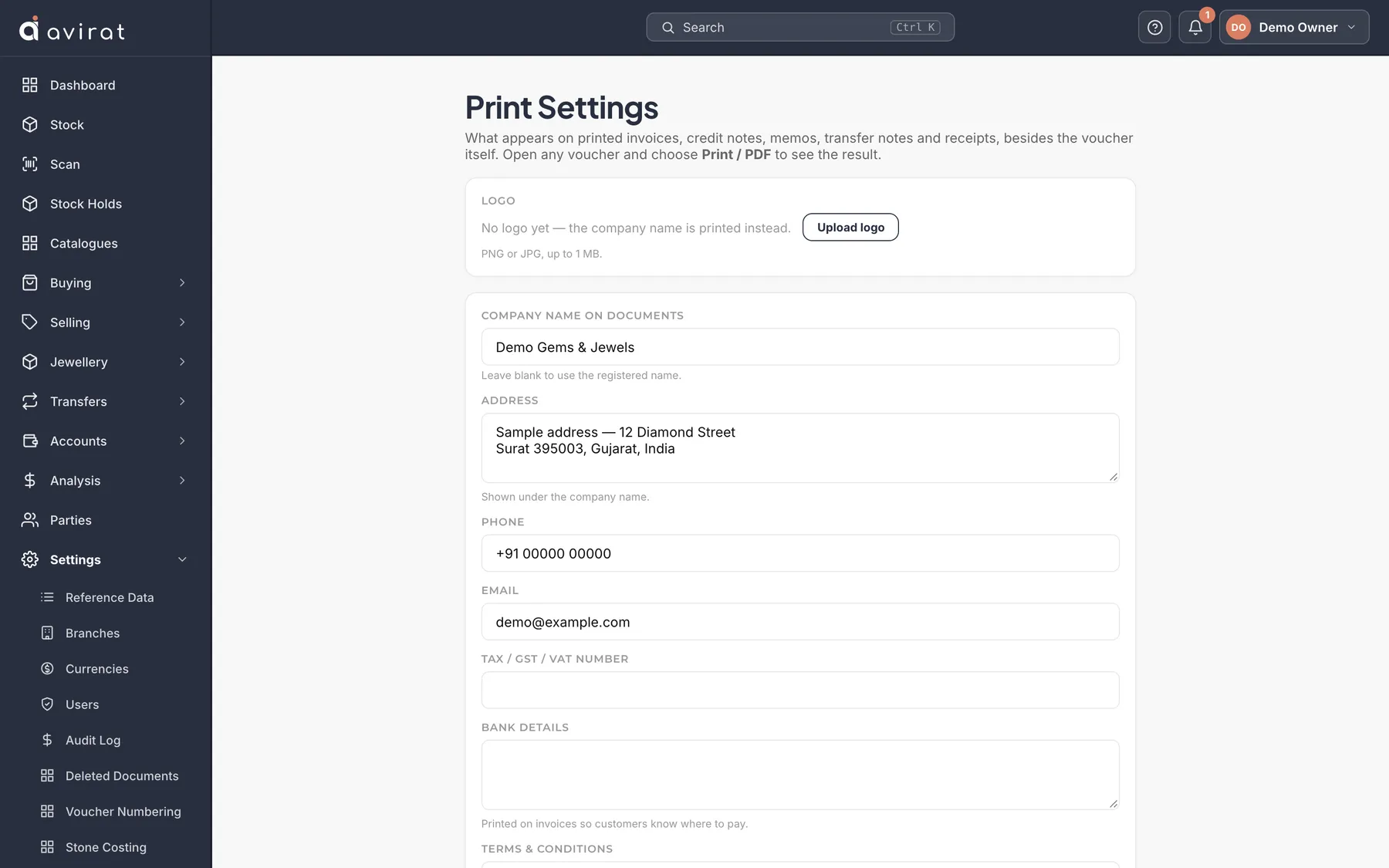
- Settings → Print Settings. Fill in your details and upload your logo.
- Open any invoice and print it to check how it looks.
Good to know
- Bank details and terms print at the bottom of invoices.
- Settings → Print Templates changes the layout itself.
Related
Still stuck? WhatsApp or call us on +91 97262 88072, or use Help & support inside Avirat — we’ll see the screen you’re on.