
How to
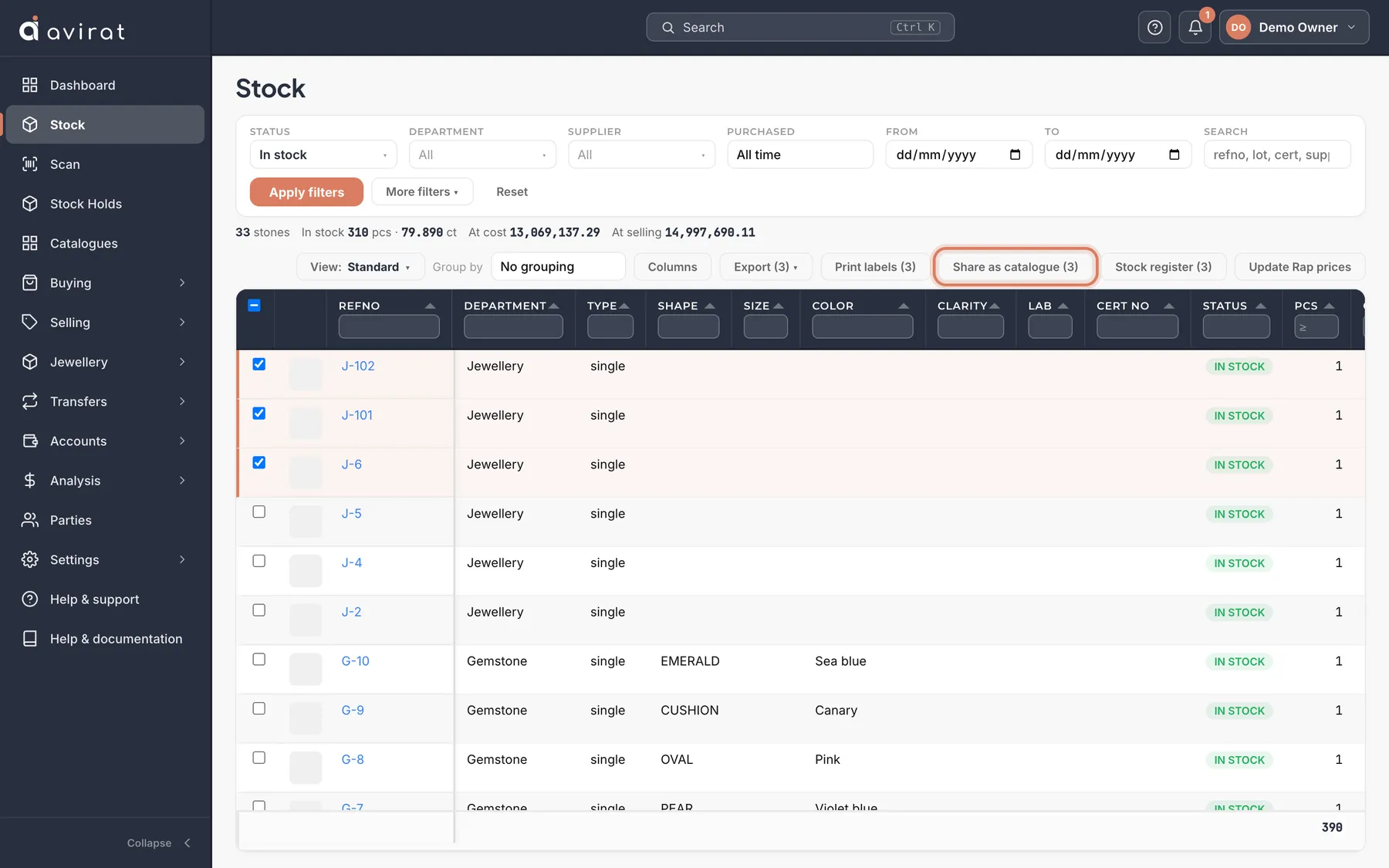
- On Stock, tick the stones (up to 500) and press Share as catalogue.
- Give it a name only you see, choose whether to show asking prices, and the link is copied — paste it into WhatsApp or mail.
- Open Catalogues to see how often each was opened and every buyer’s reply.
Good to know
- A stone that is sold, returned or removed drops out by itself.
- A buyer’s reply also appears in the bell of whoever made the catalogue, and the Owner’s.
Related
Still stuck? WhatsApp or call us on +91 97262 88072, or use Help & support inside Avirat — we’ll see the screen you’re on.