
How to
- Create your account at app.aviratsoftware.com/register: your company name, what you deal in (diamonds, gemstones, jewellery — any mix), your name, email and a password. Verify your email from the link we send.
- Sign in. The first screen sets up your company — your address and tax number for invoices, your branch, your main currency. You can skip it and come back from Settings.
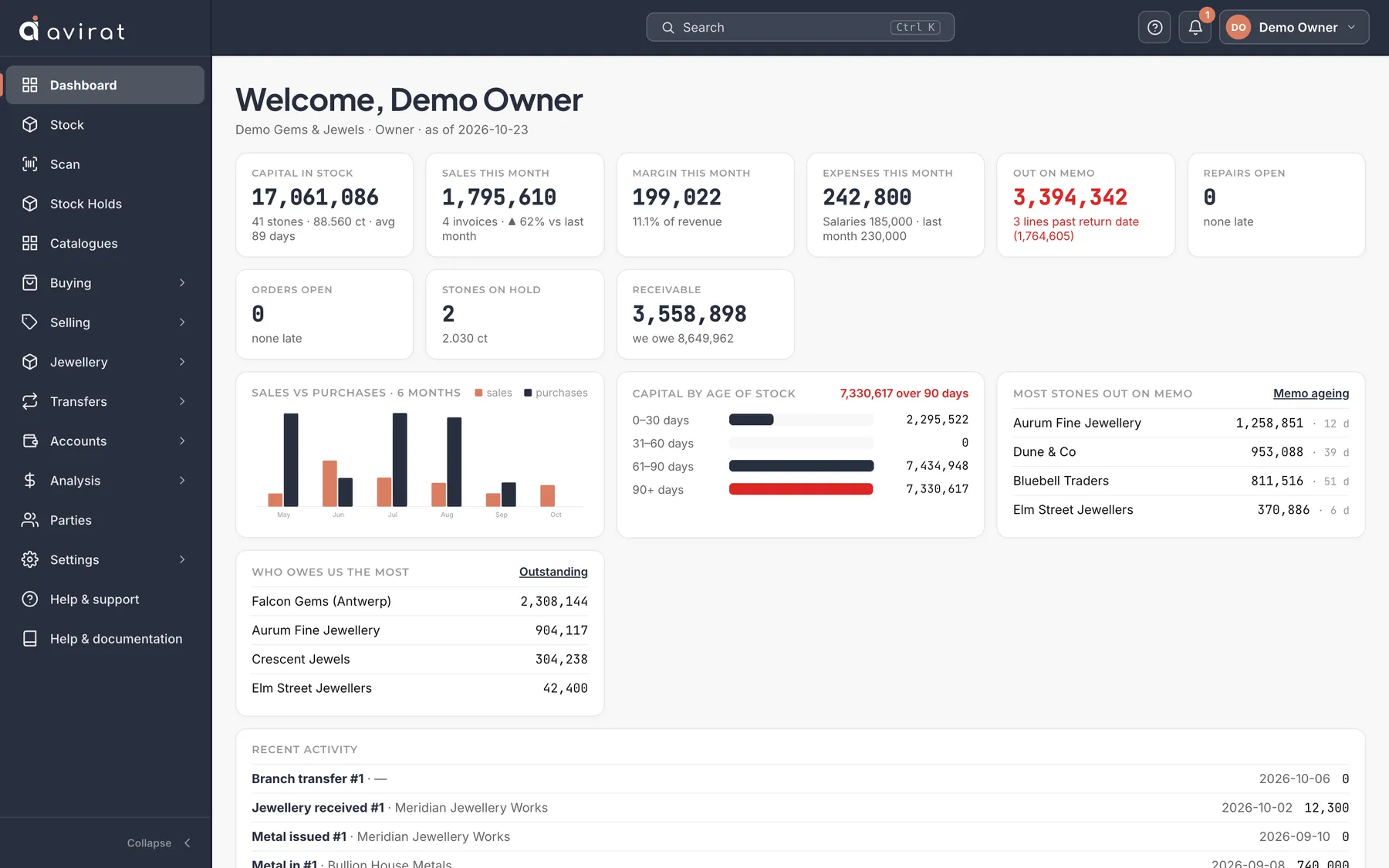
- The Dashboard shows Getting started with the next step as a button. Do them in order: set up, a supplier, your stock, a sale, a receipt, your team.
- Add your stock: record a purchase, or bring your existing stock from Excel with Import Excel on the purchase screen.
- Make your first sale or send stones on memo, and print the document.
Good to know
- Every screen has a ? at the top right that explains that screen.
- Your free trial is 14 days with everything switched on; no card is needed.
- Stock in Excel and no time to import it? WhatsApp us and we import it for you during your trial.
- The live demo (app.aviratsoftware.com/demo) shows a company full of sample data, if you want to see how a busy company looks first.
Related
Still stuck? WhatsApp or call us on +91 97262 88072, or use Help & support inside Avirat — we’ll see the screen you’re on.